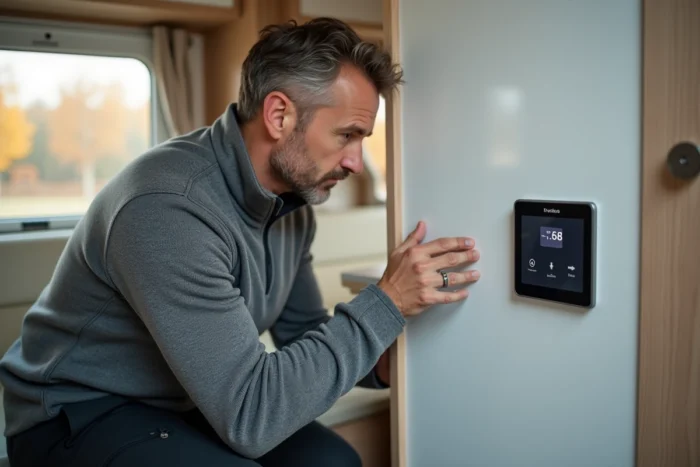
You are at a rest area, the temperature is dropping, and your Truma Combi 4 is displaying an error code on the control panel. The heating refuses to restart. This situation is experienced by thousands of motorhome users each cold season. Understanding what your device is trying to tell you allows for quick action, sometimes without any tools.
Reading Truma Combi 4 error codes on the control panel
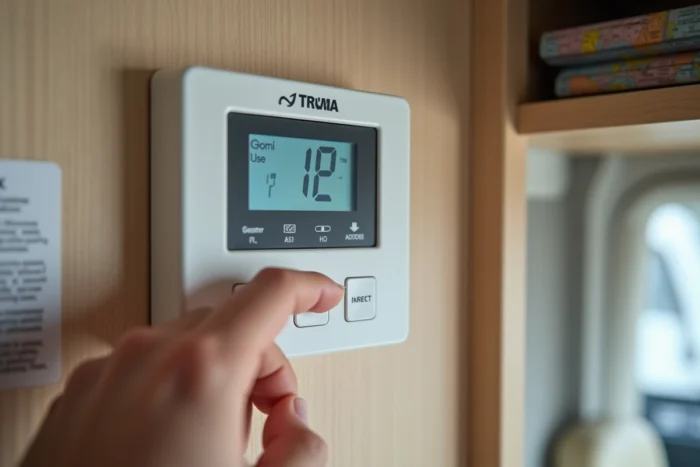
Before looking for a solution, you need to know how to read the signal. On most Truma Combi 4 installations, the error code is displayed by flashing the red light on the control panel (CP Plus, iNet Box, or analog panel depending on your equipment).
The principle is simple: count the number of successive flashes of the light. Each sequence corresponds to a specific code. For example, a series of two flashes followed by a pause, then a flash, indicates code “E 21”. On a digital panel, the code is displayed directly on the screen.
Have you noticed that the light flashes quickly then stops, then starts again? It’s this flashing/pause alternation that constitutes your device’s “language.” To keep a list of Truma Combi 4 error codes handy, consider printing it or storing it on your phone before going on a trip.
There are two categories of codes. “E” codes indicate a software error or a sensor fault. “H” codes point to a hardware problem related to the gas or power circuit. This distinction immediately guides your diagnosis.
Most common Truma Combi 4 error codes while traveling
Not all codes have the same severity. Some can be resolved in five minutes, while others require a workshop visit. Here are the situations you are most likely to encounter on the road.
Gas supply error
The code E 122 H indicates an interruption of the fuel supply (gas or diesel depending on the version). Specifically, the device detects that gas is no longer reaching the burner. Common causes: empty bottle, improperly engaged regulator, or gas tap closed after a stop at a gas station.
Before any technical manipulation, check these three points:
- The gas bottle is open and still contains fuel (lift it to estimate its weight)
- The regulator is properly screwed in and the hose is neither bent nor cracked
- The gas inlet tap at the Combi 4 is in the open position
In most cases, a simple oversight in the gas circuit causes the code E 122 H. If everything seems correct and the code persists, the problem may come from the safety valve or the internal solenoid valve, which requires a certified technician.
Overheating or temperature sensor error
When the red light comes on without flashing or with a code of type E 1xx related to temperature, the device goes into thermal safety mode. This often happens when the hot air outlet ducts are obstructed (a blanket placed over a vent, furniture pressed against the grille).
Clear all ventilation openings and let the device cool down for about ten minutes before attempting a restart. The overheating sensor will reset itself once the temperature has dropped.
Electrical supply error
The Truma Combi 4 requires a stable voltage to operate. If the auxiliary battery is too low (after several days without recharging, for example), the control electronics will not initiate the ignition cycle or will display an error code.
A cheap voltmeter is sufficient for checking. If the voltage drops below the operating threshold, plug into mains power or run the engine to recharge the battery before restarting the heating.
Resetting the Truma Combi 4 on-site
You have identified and corrected the likely cause. The next step is to clear the error code to allow the device to restart. The reset does not fix anything if the original cause is not addressed: it only serves to restore the electronics to their initial state after correction.
The most common on-site reset procedure follows these steps:
- Turn off the Truma Combi 4 via the control panel (position “Off”)
- Wait about thirty seconds, then cut the power at the circuit breaker or dedicated fuse
- Wait another full minute for the capacitors on the electronic board to discharge
- Restore power, turn the panel back on, then restart the heating or hot water
If the code reappears immediately after this sequence, the fault is not resolved. Repeating the reset in a loop is pointless and may mask a malfunction that is worsening.
When to call a certified Truma repair technician
Some error codes fall outside the scope of user troubleshooting. Any intervention on the internal gas circuit or combustion chamber must be entrusted to a certified technician. Opening the Combi 4 casing without qualification exposes you to the risk of carbon monoxide poisoning or fire.
Situations that require a workshop visit: an error code that consistently reappears after a reset, a persistent gas smell, abnormal noise at the burner, or a steady red light (no flashing) that does not turn off after cooling.
Before making an appointment, note the exact code, the number of flashes, and the circumstances of occurrence (outside temperature, operation on gas or electric, duration since the last maintenance). This information allows the technician to prepare the parts and shorten the downtime of your vehicle.
Annual maintenance of the Truma Combi 4, including cleaning the burner and checking the seals, remains the most reliable way to travel without unpleasant surprises. Error codes often indicate a lack of maintenance rather than a failure of the device itself.